
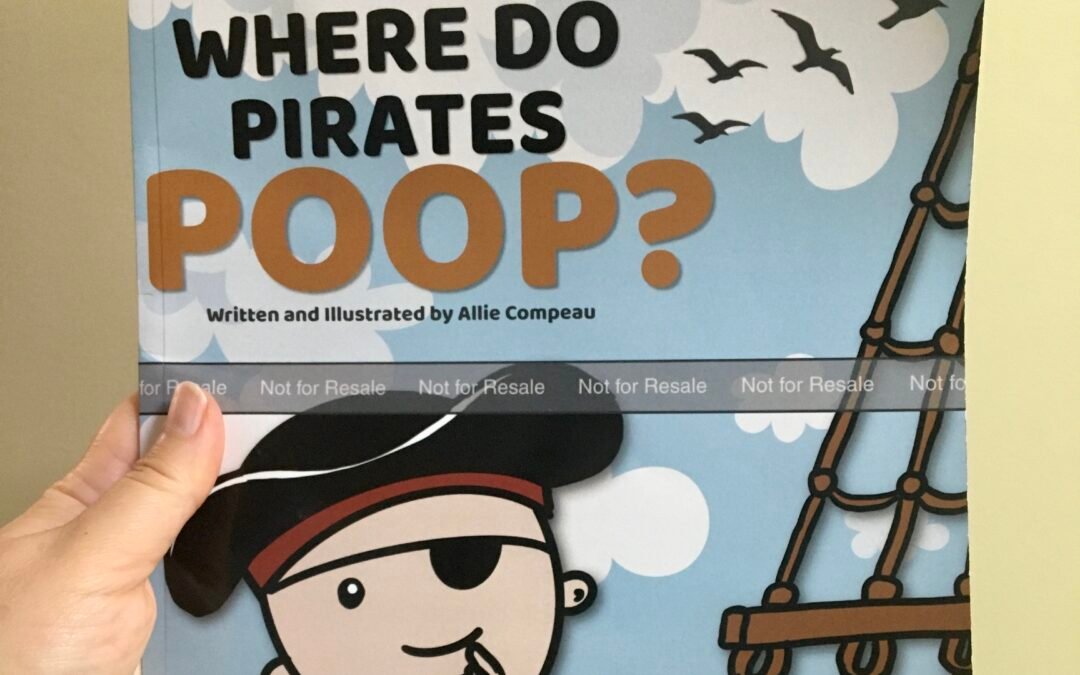
When inspiration strikes, sometimes the hardest part is getting out of your own way.
When I started working on Where Do Pirates Poop?, I expected the project to take at least a month. Instead, I completed the book in just two days because I couldn’t stop working on it.
In this post, I’ll walk you through exactly how I created my children’s picture book, the tools I used, how I planned the pages, and how creative momentum turned a simple idea into a finished book.
Whether you’re wondering how to make a picture book, illustrate your own children’s book, or self-publish a picture book on Amazon KDP, I hope my experience helps you get started.
Where the Idea Came From
The idea for Where Do Pirates Poop? arrived almost fully formed.
Like many children’s books, it started with a simple question that kids would find hilarious:
Where do pirates poop?
The question immediately made me laugh, and I knew there was enough material there to build an entire picture book around it.
Rather than overthinking the idea, I started writing.
Step 1: I Wrote the Text First
Before drawing a single illustration, I created a rough page-by-page outline.
Each spread followed a simple pattern:
- A question on one page
- A funny answer on the next page
This structure made the book easy to organize and gave me a roadmap for the illustrations.
One lesson I’ve learned from creating books is that it is often easier to write the story first and then create illustrations that support the text.
Having the words in place helped me know exactly what needed to appear on each page.
Step 2: I Created the Illustrations Myself
I am not a professional illustrator.
I created all of the artwork myself using:
- Procreate on my iPad
- Canva for layout and design
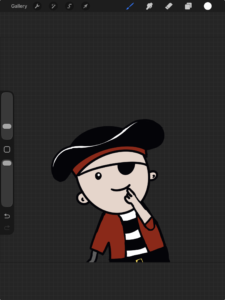
I drew the pirate characters, ships, backgrounds, and visual gags in Procreate and then assembled the pages in Canva.
For aspiring authors, this is important:
You do not need expensive software to create a children’s book.
A simple drawing app and a page layout tool can be enough to bring your story to life.
Step 3: I Built the Pages in Canva
Once the illustrations were complete, I imported everything into Canva.
Canva made it easy to:
- Arrange text and images
- Adjust spacing
- Create page layouts
- Prepare files for publishing
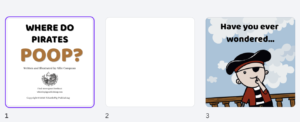
Because I already had the text and illustrations planned, putting the pages together went surprisingly quickly.
The Secret Ingredient: Creative Flow
I expected this project to take about a month.
Instead, I became completely absorbed in it.
The best way I can describe the experience is creative flow.
Every new page led naturally to the next page.
Every joke suggested another joke.
Every illustration sparked another visual idea.
Instead of forcing myself to work, I found myself excited to keep going.
I would wake up thinking about the book and go to bed planning the next page.
By the end of the second day, the manuscript and illustrations were complete.
Preparing the Book for Amazon KDP
After the pages were finished, I exported the interior and cover files and uploaded them to Amazon KDP.
Before publishing, I always recommend ordering a proof copy.
A physical proof allows you to:
- Check image quality
- Verify margins and bleed
- Catch spelling errors
- Review color reproduction
Seeing your book in print is one of the most rewarding parts of the publishing process.
Can You Create Your Own Picture Book?
Absolutely.
You don’t need a publishing company.
You don’t need expensive equipment.
You don’t need years of illustration training.
You need:
- An idea
- A story
- The willingness to start
The tools available today make it easier than ever for independent authors to create and publish their own children’s books.
Final Thoughts
If you’re considering creating a picture book, my advice is simple:
Start.
Don’t wait for the perfect idea.
Don’t wait until you feel ready.
Sometimes the best projects happen when inspiration arrives and you follow it.
Where Do Pirates Poop? began as a funny question and became a completed picture book in just two days.

You never know where your next idea might take you.
f you’d like to see the finished result, you can find it here:
👉 Buy Where Do Pirates Poop? on Amazon
Click here to find the book on Amazon
More Books from WhistlePig Publishing
Looking for more stories?
Explore my collection of children’s books, chapter books, middle grade fiction, and journals:
Questions?
I’d love to hear about your publishing journey.
You can contact me at:
hello@whistlepigpublishing.com
Happy publishing!
— Allie Compeau
WhistlePig Publishing